
Working from home is now part of everyday life for many people. Yet internet problems remain one of the most common frustrations — dropped video calls, slow file transfers, and unreliable connections at the worst possible moments.
In most cases, the issue isn’t the broadband itself, but how the home network is set up.
Start With a Stable Connection
Fast speeds are useful, but stability matters more. A consistent connection with minimal dropouts will always outperform a faster service that struggles at busy times.
If possible, choose a package that prioritises reliability and support rather than headline speed alone.
Router Placement Makes a Bigger Difference Than People Think
Where the router sits in the home has a major impact on performance. It should be:
- in an open, central location
- raised off the floor
- away from thick walls, metal objects, and large appliances
Tucked-away routers often cause weak Wi-Fi where it’s needed most.
Wired Beats Wireless for Work
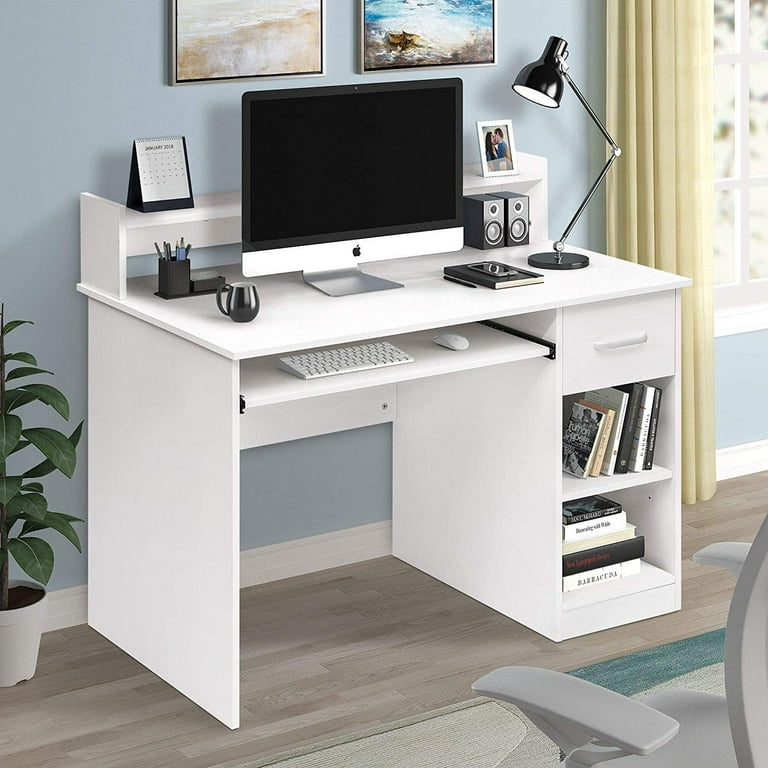
For desks used regularly for work, a wired Ethernet connection is still the most reliable option. It removes interference, improves stability, and reduces latency — particularly important for video calls and remote access.
Wi-Fi is convenient, but a cable often solves problems instantly.
Separate Work From Everything Else
Streaming, gaming, and multiple devices all compete for bandwidth. If possible:
- schedule heavy downloads outside working hours
- use Quality of Service settings
- consider separate Wi-Fi bands or access points
This helps ensure work traffic isn’t fighting for space.
Use the Right Equipment
Older routers and Wi-Fi extenders can struggle with modern demands. In many cases, upgrading equipment improves performance more than changing provider.
A modern router and, where needed, a properly installed mesh system can transform coverage.
Back-Up Connectivity Matters
For people who rely on home working, a simple backup — such as mobile tethering or a dedicated data SIM — can be invaluable during outages.
It’s not about speed; it’s about staying connected when it matters.
Keep It Sensible and Simple
The best home working setups aren’t complicated. They’re:
- reliable
- well-placed
- properly supported
Small changes often deliver big improvements.
Getting It Right Pays Off
A dependable home internet setup reduces stress, improves productivity, and makes working from home far more enjoyable.
When it’s set up properly, it just works — which is exactly how it should be.
To find out more contact me, Rod Walker: rod@ktgl.co.uk, Tel 01482 291292
WorkingFromHome #HomeOffice #Broadband #ReliableInternet #Productivity #RemoteWorking #BusinessConnectivity
 ktgl.co.uk
Leave a comment