
When the internet slows down or drops out, the provider is often the first to get the blame. Sometimes that’s fair — faults do happen. But in many cases, the root cause is much closer to home or the office.
Before you spend time on the phone reporting a fault, it’s worth checking a few common problem areas that regularly cause issues and delays.
Start with your router and power. Has it been rebooted recently? Routers can run for months without a restart and quietly develop issues. Power fluctuations, accidental unplugging, or a failing power supply can all cause intermittent problems that look like a line fault.
Next, look at Wi-Fi versus wired connections. Slow speeds on Wi-Fi don’t automatically mean a slow internet connection. Thick walls, interference from neighbouring networks, and older devices can all affect performance. Testing with a wired connection removes Wi-Fi from the equation and gives a clearer picture of the line itself.
Check what’s actually using your bandwidth. Background activity such as cloud backups, software updates, CCTV uploads, or large file transfers can saturate a connection without anyone realising. One busy device can affect everyone else.
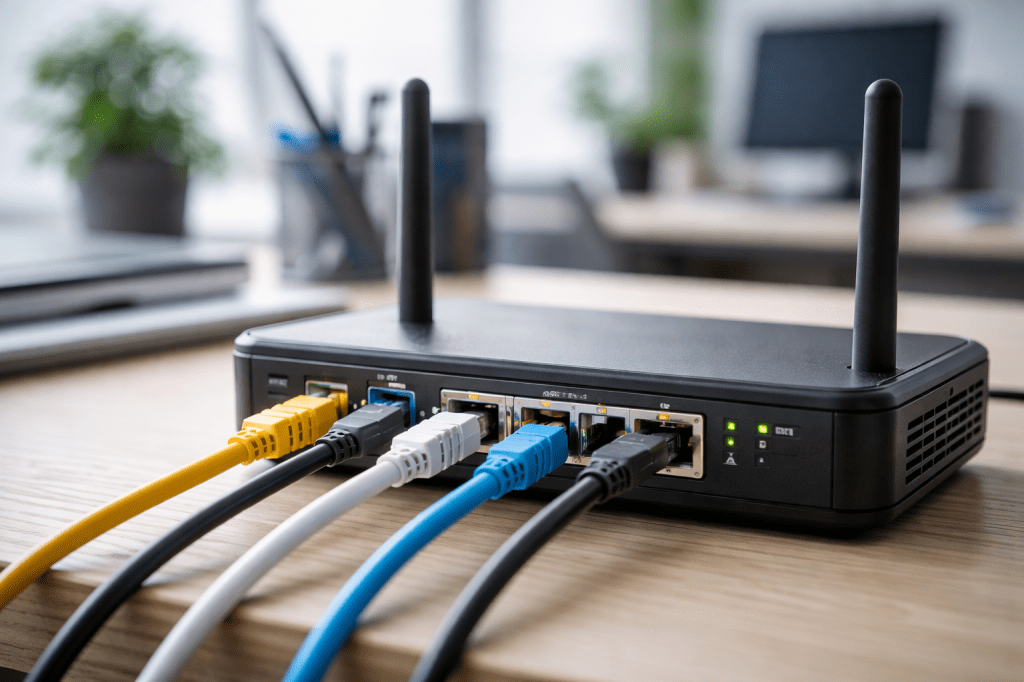
Cables and sockets are another overlooked area. Damaged Ethernet leads, loose connections, or extension wiring can cause dropouts and errors that mimic external faults. A quick visual check can often save hours of frustration.
It’s also worth checking whether the issue is isolated or widespread. Are all devices affected, or just one? Is the problem constant, or only at certain times of day? These details help identify whether you’re dealing with local congestion, internal equipment issues, or a genuine provider fault.
By ruling out the basics first, you’ll either fix the problem yourself or be in a much stronger position when you do need to speak to your provider. Clear information leads to faster resolutions.
If you’re repeatedly experiencing problems and aren’t sure where the fault lies, a fresh set of eyes can help.
If you’d like an independent check of your setup before pointing fingers or changing providers, I’m happy to help. I’ll look at your connection, equipment, and usage and give you a straight answer on where the problem really is.
📧 rod@ktgl.co.uk | 📞 01482 291292
#BusinessBroadband #InternetProblems #NetworkTroubleshooting #ConnectivityAdvice #ReliableInternet #TelecomsSupport #LocalBusiness
 ktgl.co.uk
Leave a comment